1R
1REALTOUR Team
·April 29, 2025·4 min read
Table of Contents
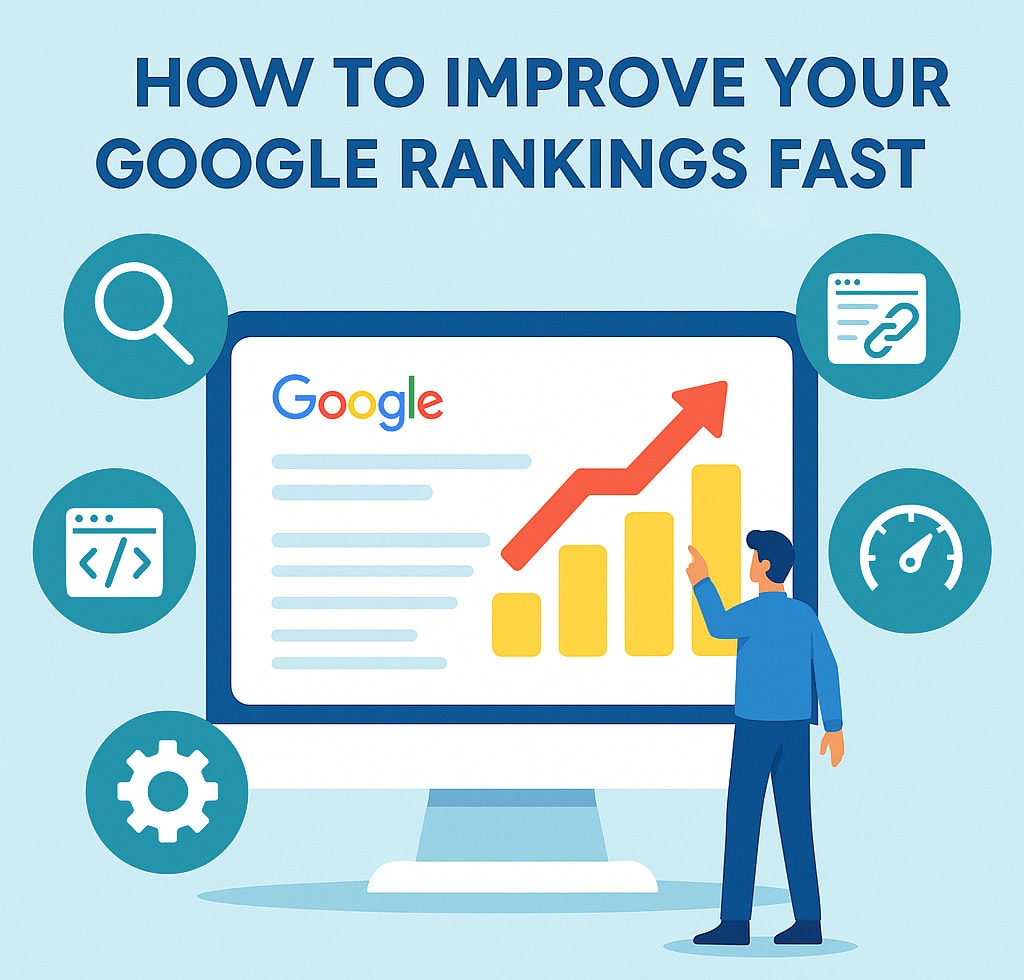
How to Boost Google Rankings Fast?
If your website isn’t showing up on Google, you’re missing out on potential customers and steady traffic. Ranking higher means more people can find your business, learn about your services, and take action. The good news? You don’t need to be an expert to boost google rankings fast, you just need to take the right steps consistently.
Fix Your Website Basics
Before diving into keyword research or link building, your website’s foundation must be solid. Google prioritizes sites that load quickly, function well on mobile, and provide a smooth experience.
Here’s what to check first:
Speed: Your site should load in under 3 seconds. Use Google PageSpeed Insights to test it.
Mobile Responsiveness: Ensure your layout adjusts properly to smartphones and tablets.
Clean Structure: Remove broken links, duplicate pages, or unnecessary plugins.
A well-structured website improves user experience and signals to Google that your business is professional and reliable. For optimized performance, consider upgrading to a Managed Hosting plan designed for speed and stability.
Use the Right Keywords Strategically
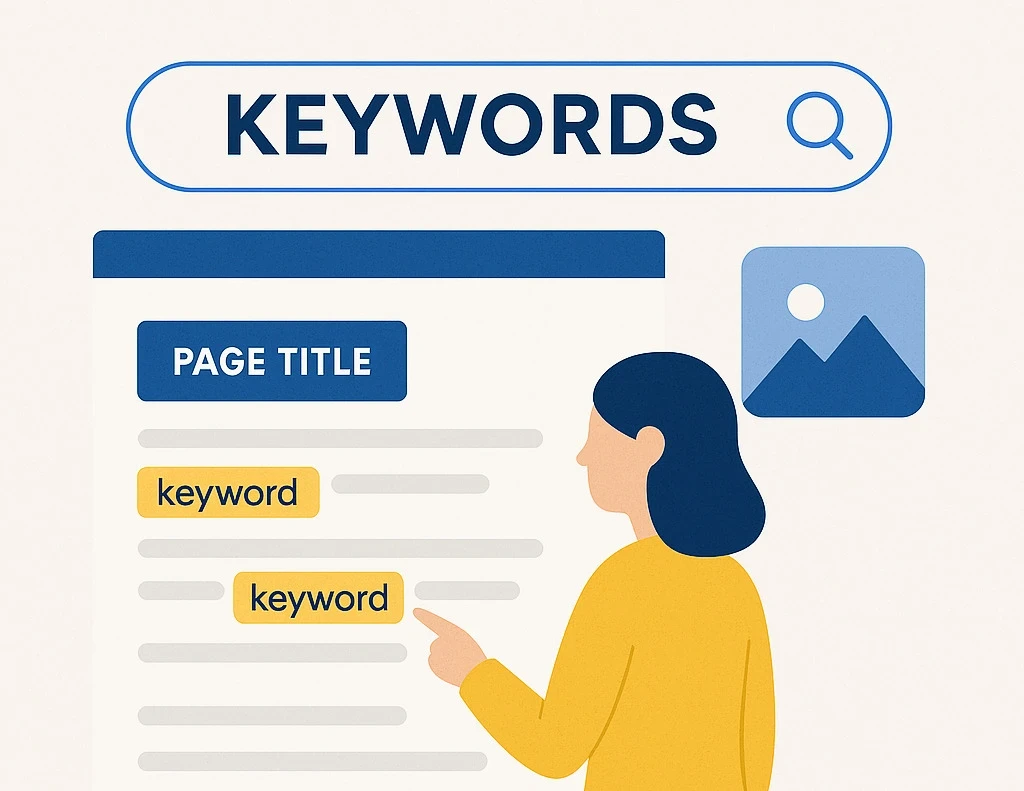
Keywords are how people find you online. Without the right ones, your content won’t show up in relevant searches.
Start by using free or affordable keyword tools like Google Keyword Planner or Ubersuggest to discover what your audience is searching for. Look for:
Moderate to low competition
High search volume
Local intent keywords (e.g., “San Diego web design” or “real estate SEO services”)
Then naturally place your target keywords in:
Page titles
Headings (H1s, H2s)
Meta descriptions
Image alt tags
First 100 words of your page
Avoid overstuffing, Google rewards natural, reader-friendly writing.
how to boost google rankings fast keyword research
Create High-Quality, Helpful Content
Content remains the backbone of SEO. Search engines rank websites higher when they consistently publish useful, relevant, and original information.
Write content that solves real problems for your audience. For example, if you’re a real estate professional, create guides like “How to Stage Your Home for Faster Sales.”
Follow these tips for strong, SEO-friendly content:
Keep paragraphs under 70 words
Use bullet points and visuals for clarity
Include statistics or quotes from credible sources
Update regularly to stay fresh
Build Strong Backlinks
Backlinks is the links from other websites to yours are one of Google’s top ranking factors. They show search engines that your site is trusted and authoritative.
Ways to build backlinks effectively:
Write guest blogs for relevant websites
Get featured in local directories and press releases
Collaborate with related businesses
Share your articles on social media platforms
Even a few quality backlinks can significantly improve your visibility and domain authority.
Set Up and Optimize Your Google Business Profile
If you run a local business, your Google Business Profile (GBP) is essential. It helps you appear in local map results and improves your overall visibility.
To optimize your GBP:
Add accurate NAP (Name, Address, Phone) information
Upload high-quality photos of your business, team, or products
Include a business description with target keywords
Request and respond to customer reviews
For example, if you’re offering web design services in San Diego, make sure your GBP clearly mentions it.
how to boost google rankings fast google my business
Improve On-Page SEO
On-page SEO involves refining elements directly on your website to make it search-engine friendly. Here’s a simple checklist:
Use one H1 tag per page that includes your main keyword
Add internal links to related service pages and blogs
Use short, descriptive URLs
Optimize every image with relevant alt text
Write clear and engaging meta titles and descriptions
Good on-page optimization not only boosts visibility but also enhances click-through rates from search results.
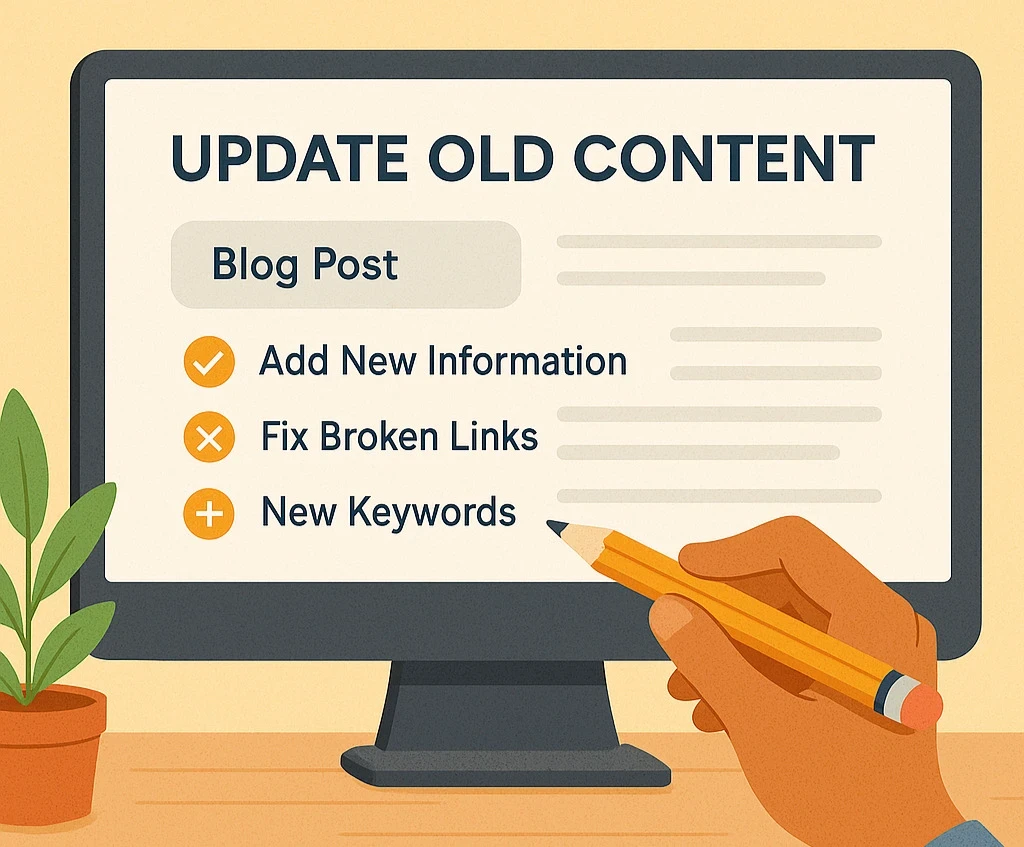
Update and Refresh Old Content
Old pages and outdated blogs can quietly hurt your rankings. Regularly revisiting older content helps maintain relevance and signals to Google that your site is active.
Here’s how to refresh content effectively:
Update statistics and outdated info
Replace broken links with working ones
Add new keywords and internal links
Improve visuals and readability
Even small updates can make a big difference in your ranking performance.
how to boost google rankings fast update old content
Track, Measure, and Optimize
SEO isn’t a one-time task it’s an ongoing process. Track your progress with tools like Google Analytics and Google Search Console to understand:
Which keywords drive the most traffic
Which pages people visit most
Where users drop off
Use this data to make adjustments. For instance, if one blog performs well, replicate its structure in new posts.
Conclusion
Improving your Google rankings doesn’t happen overnight, but consistent effort brings measurable results. Focus on creating quality content, optimizing your website, and staying user-focused.
If you’re looking to grow your visibility faster, partner with experts who understand both SEO and web performance. At 1REALTOUR, we specialize in helping San Diego businesses rank higher and convert better through strategic SEO and high-performing web design.
Frequently Asked Questions
How long does it take to see results from SEO?
Most websites begin seeing ranking improvements within 3 to 6 months, depending on competition and consistency.
Can I improve rankings without backlinks?
How often should I update my website for SEO?
What are the fastest ways to improve SEO rankings?
More Insights
Black and white still life of white spheres passing through a narrow gate toward a dark phone-shaped slab.
What Is A2P 10DLC? Why Business Texts Get Blocked
Blog • Web Solution
Read Article
Black and white abstract of many thin lines converging into a single white disc at the center.
What Is a SIEM? Security Monitoring Explained
Web Technologies • Blog
Read Article
Black and white image of a pulse line drawn across a white wall, passing behind a blank square panel.
Uptime Monitoring vs Status Pages: What Each One Does
Hosting • Blog
Read Article